Babysitting hours tracker: log every sit and send the family what they owe
Quick answer: Use Time Card: add each family with your hourly rate, log the exact time you arrived and left after every sit, and when it is time to be paid, send the family a PDF with each date, the hours, your rate and the total. Late nights past midnight count correctly. It works offline, needs no account and is free for two families.
Get Time Card on the App Store Time Card hours tracker app (formerly Timesheet Pro). Free for iPhone and iPad.
Babysitting is paid in small amounts at odd hours, which is exactly why it goes wrong. A family pays cash for one night and forgets the next. A sit runs late and nobody remembers by how much. Three weeks later, you and the parents have different totals.
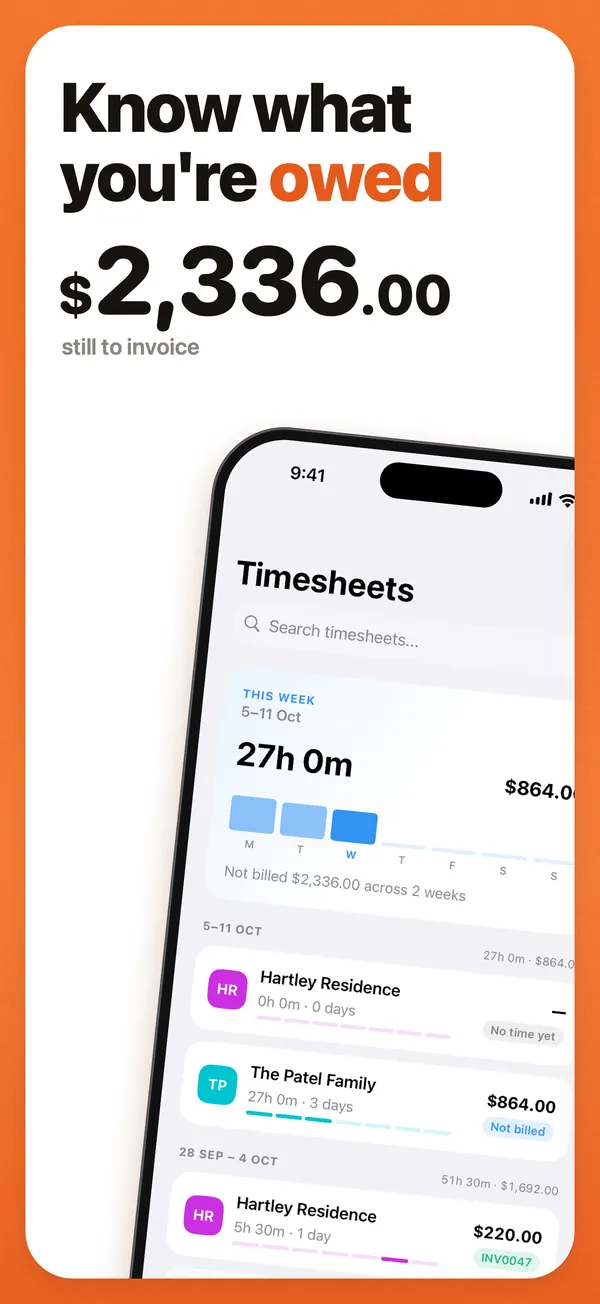
Log each sit when you get home, and send the family a summary before you ask to be paid. Time Card, our app, keeps the times, adds up the money and makes the PDF.
Why babysitters use Time Card
- To the minute. Arrival and finish exactly, with no rounding.
- Late nights. A sit that ends after midnight counts correctly.
- A rate per family. Each family has its own hourly rate.
- A PDF parents can check. Every date, the hours, your rate and the total owed.
- What is still owed. Pro records each payment, so you know who has paid.
- Private. No account, works offline, and nothing about the family leaves your phone.
Example: three sits for one family
The figures are an example.
| Date | Arrived | Left | Hours |
|---|---|---|---|
| Friday 2 October | 6:45 pm | 11:15 pm | 4 h 30 min |
| Saturday 10 October | 7:00 pm | 12:40 am | 5 h 40 min |
| Friday 16 October | 3:30 pm | 6:00 pm | 2 h 30 min |
| Total | 12 h 40 min (12.67 h) | ||
| Rate | A$25.00 an hour | ||
| Owed | A$316.67 |
The Saturday sit ends after midnight and still counts as 5 hours 40 minutes.
How to do it in Time Card
- Add the family and your rate.
- After each sit, tap the date and set arrival and finish.
- When it is time to be paid, make the PDF and send it to the parents.
- When they pay, Pro can mark it paid and show what is still owed.
If you look after the same children for regular hours every week, the nanny hours guide covers weekly invoices and the employment side.
Questions people ask
What is the best app to track babysitting hours?
Time Card. Add each family with its rate, log every sit to the minute, and send the family a PDF of the dates, hours and total owed. It works offline, needs no account and is free for two families.
How do I work out how much a family owes me for babysitting?
Take the time between arriving and leaving, multiply by your hourly rate, and add up the sits since you were last paid. 6:45 pm to 11:15 pm is 4 hours 30 minutes; at A$25 an hour that is A$112.50. Time Card does this for every sit and keeps the running total.
How much should I charge for babysitting?
Rates depend on where you live, how many children, their ages and any extras like cooking or homework help. Ask other sitters near you, agree the rate before the first sit, and set it in Time Card so every sit is worked out the same way.
Can I track hours for more than one family?
Yes. Each family is a client with its own rate. Two are free; Pro adds unlimited families.
Does a babysitting job past midnight count correctly?
Yes. If you finish after midnight, Time Card counts the hours across midnight correctly, including on the night the clocks change.
More Time Card guides
- How to choose an hours tracker if you're paid by the hour
- Track casual hours and invoice families or clients in Australia, on your iPhone
- Nanny hours tracker: log your hours and send the family a weekly invoice
- Turn your hours into an invoice PDF on iPhone, without a subscription
- Keep your own time card to check your paycheck
- How to keep track of your work hours and pay on iPhone
- Free printable weekly timesheet (PDF), and an app that fills it in for you
- Subcontractor hours to a GST tax invoice for the builder, on your iPhone
- Zero-hours or shift work in the UK: log every shift and check your payslip
- Tracking work hours, pay, timesheets and invoices on iPhone: 50 questions answered
- Timesheet app for cleaners: log each house and send each client an invoice
- Tutor invoice app: log your lessons and send parents a PDF invoice
- Work hours calculator with breaks